The overview
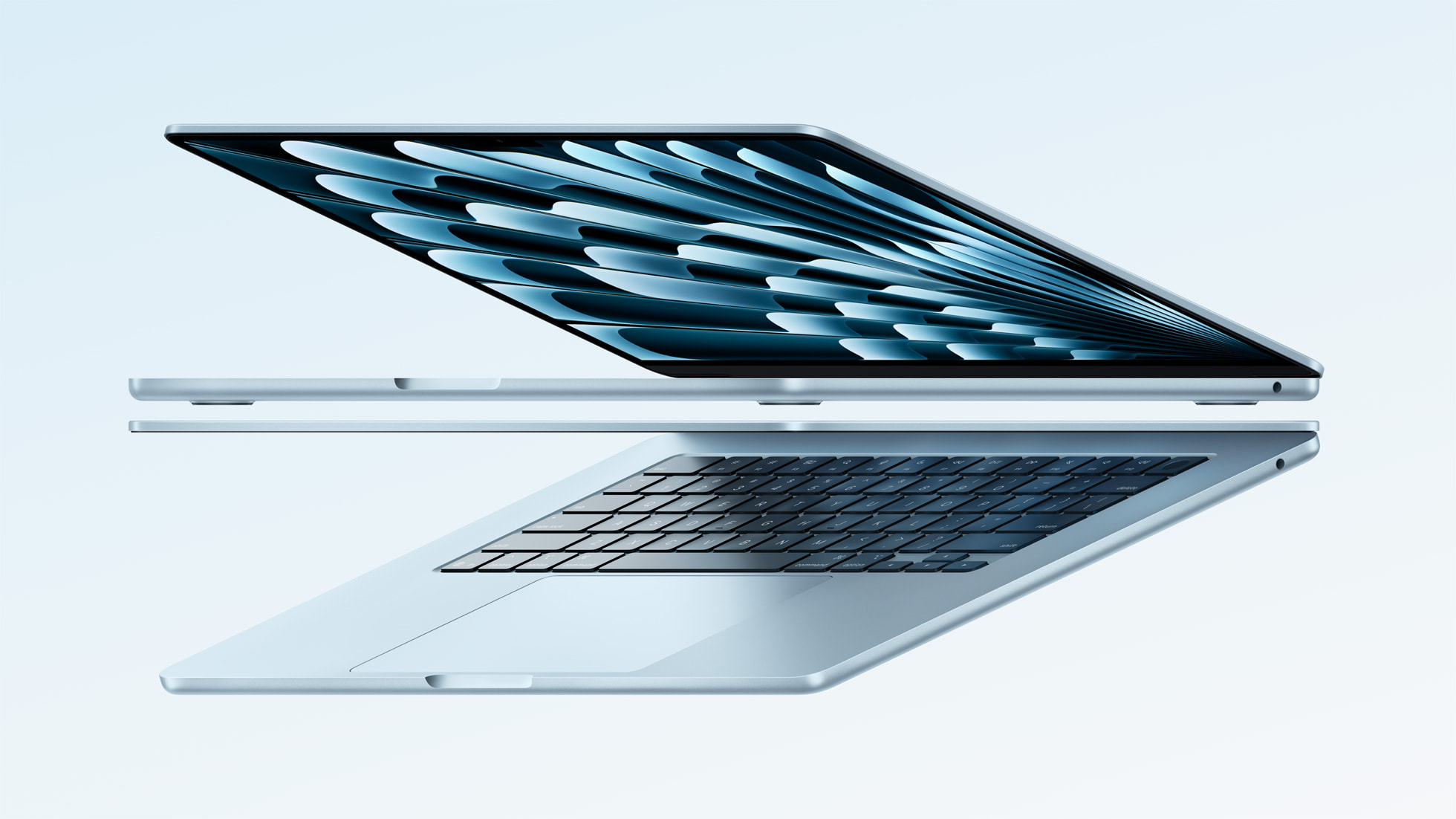
A useful everyday laptop should disappear into your routine. It needs to fit in your bag, connect to the equipment you already own and leave enough capacity for the work you actually do. The MacBook Air M4 approaches that brief with a familiar thin chassis rather than a long list of visible reinventions. Our assessment is that its appeal depends less on chasing a benchmark and more on choosing a sensible configuration.
- Model covered
- 2025 MacBook Air with M4
- Screen options
- 13.6-inch or 15.3-inch
- Starting memory
- 16GB unified memory
- Cooling
- Fanless design
What to consider
The everyday proposition
Apple’s 2025 announcement lists a fanless design, 16GB of starting memory and support for two external displays alongside the built-in screen. Those are practical ingredients for a mixed home-and-office routine. A silent cooling system removes one potential distraction, while the display support gives the machine a clearer role at a desk. None of that tells us how fast your particular workload will finish; this article does not include independent performance measurements.
Choose the workflow before the size
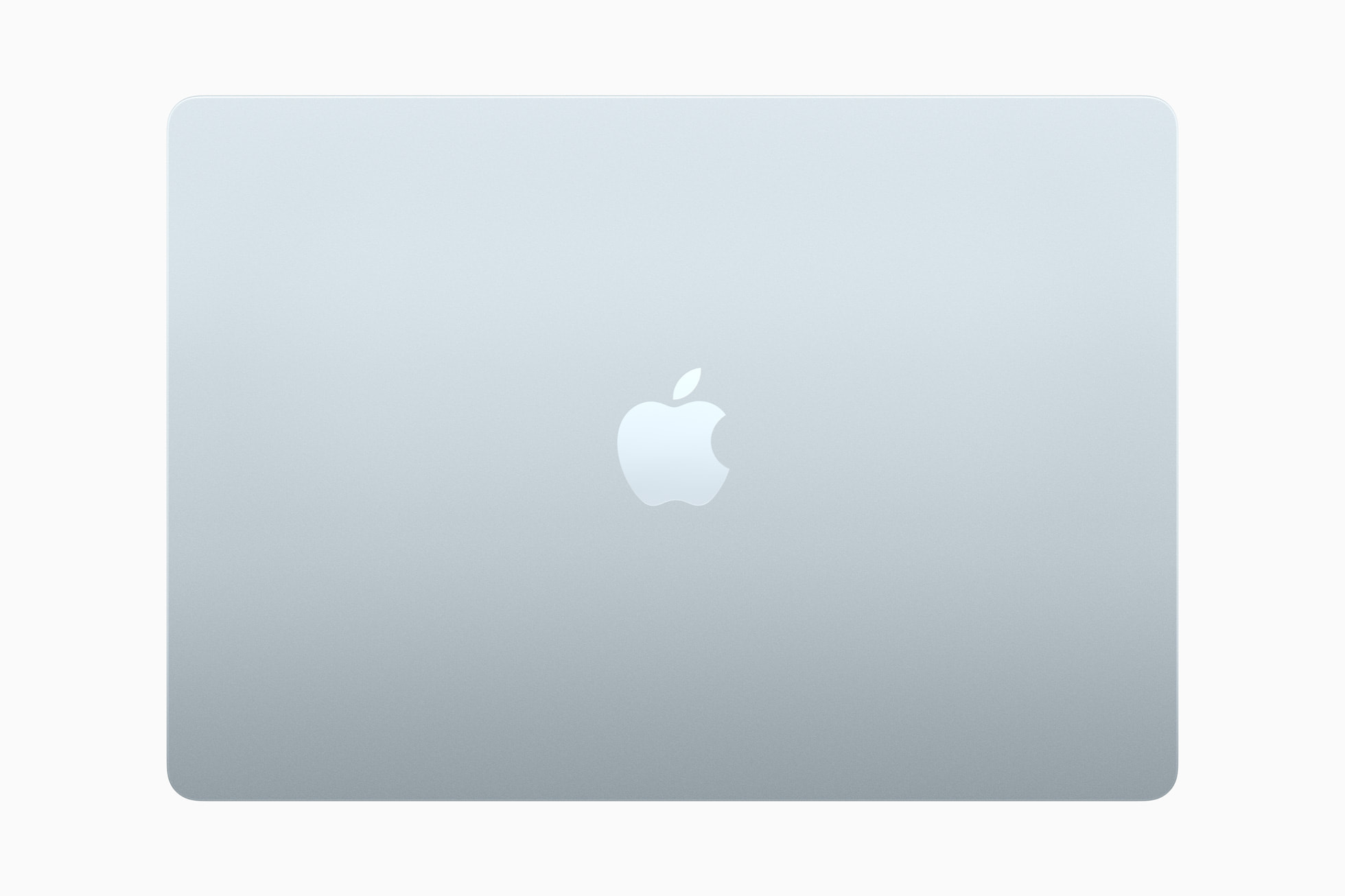
A smaller laptop is easier to carry; a larger screen can make side-by-side documents less cramped. Before deciding, write down how often you work away from a monitor. If your laptop mostly travels between two desks, portability may matter more than screen area. If it is your only display, the larger option deserves consideration. Carrying weight and usable workspace are more valuable decision points than the color in a promotional photograph.
Where the compromises matter
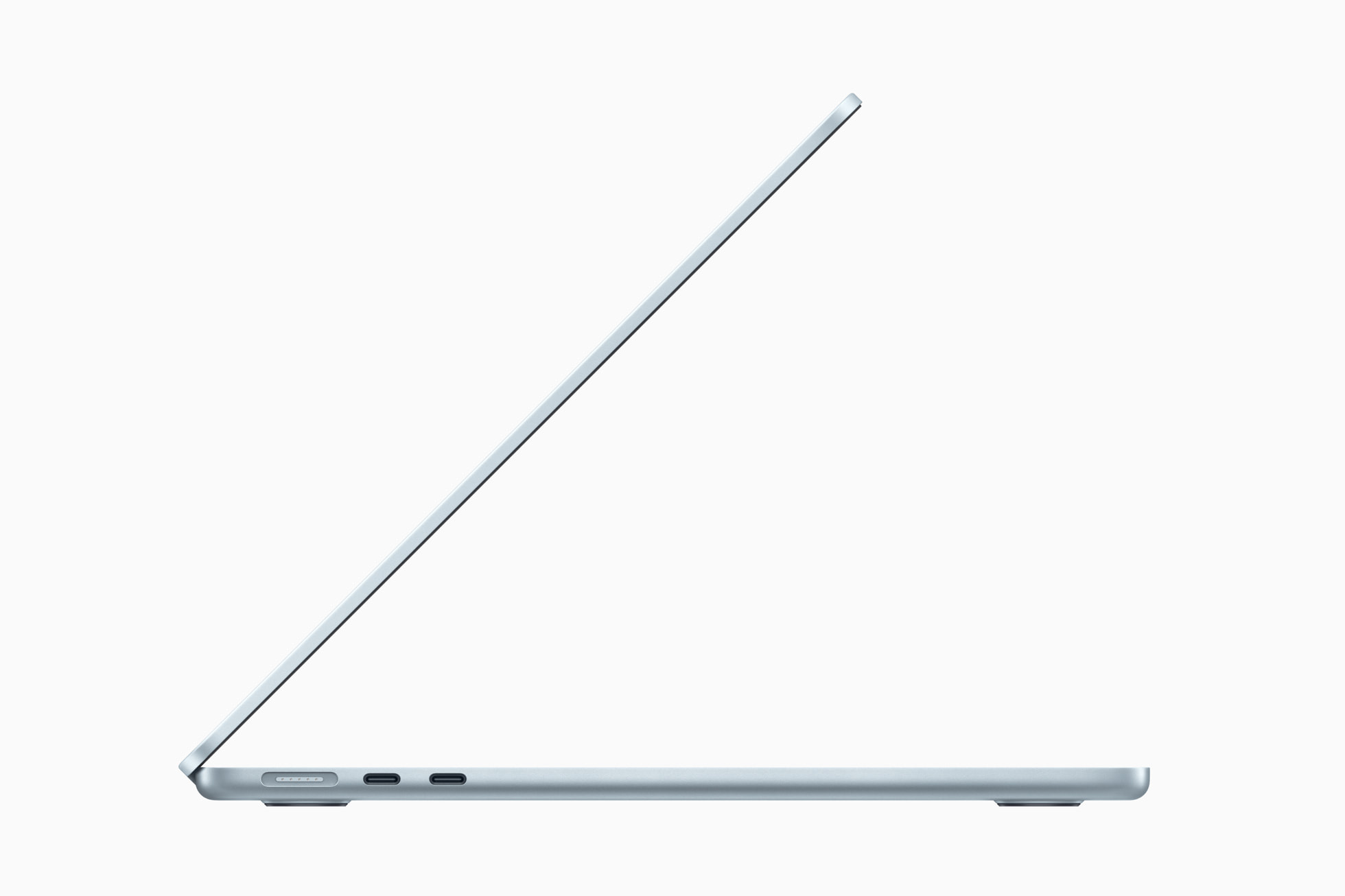
A slim notebook is not automatically the right tool for every creative job. For long rendering sessions or a specialized Windows application, confirm software support and sustained-workload suitability before buying. Also map out your ports: storage, a wired network adapter and a display can create a need for a dock. Treat that dock, any adapter and the storage configuration as part of the purchase rather than an afterthought.

Our buying advice
For a reader already comfortable with macOS, the M4 Air is a plausible shortlist option for documents, research and general creative work. Compare the exact memory and storage configuration with newer models and refurbished alternatives. Do not pay a premium solely for a launch-era performance claim. A better purchase is the machine that supports your applications and fits your complete budget.
The strengths and trade-offs
Pros
- Fanless design suits a quiet workspace.
- Two size options address different portability needs.
- Published external-display support makes desk use more flexible.
Cons
- Limited onboard connections can add adapter costs.
- Specialized software compatibility needs checking.
- This analysis cannot establish sustained performance or real-world battery life.
Who should buy it?
Consider it if you want a portable macOS computer for everyday work and have checked your applications and accessories. Look elsewhere first if your workflow requires Windows-only software or independently verified long-duration rendering performance.
The JINLIM perspective
The conclusion
The M4 Air makes the strongest case as a well-configured everyday tool. Buy around your actual workflow and the current price of the exact configuration, rather than the appeal of a newer chip name alone.
View official specificationsSources & image credits
Manufacturer information checked October 19, 2026. Prices, stock, compatibility and software support can change. Verify the exact model and your region before ordering.
All four product images on this page are credited in their captions. Full image provenance. No retailer commissions are configured in this launch edition.