The overview
A productivity mouse should earn its desk space through repeated small conveniences. The MX Master 3S Bluetooth Edition is built around a sculpted shape and a collection of controls, rather than the stripped-back approach of a travel mouse. Our assessment is that the right question is not how many buttons it has, but whether those buttons remove friction from your actual work.
- Edition covered
- Bluetooth Edition
- Role
- Desktop productivity mouse
- Published sensor
- Up to 8,000 DPI
- Customization software
- Logi Options+ for supported systems
What to consider
Start with the shape
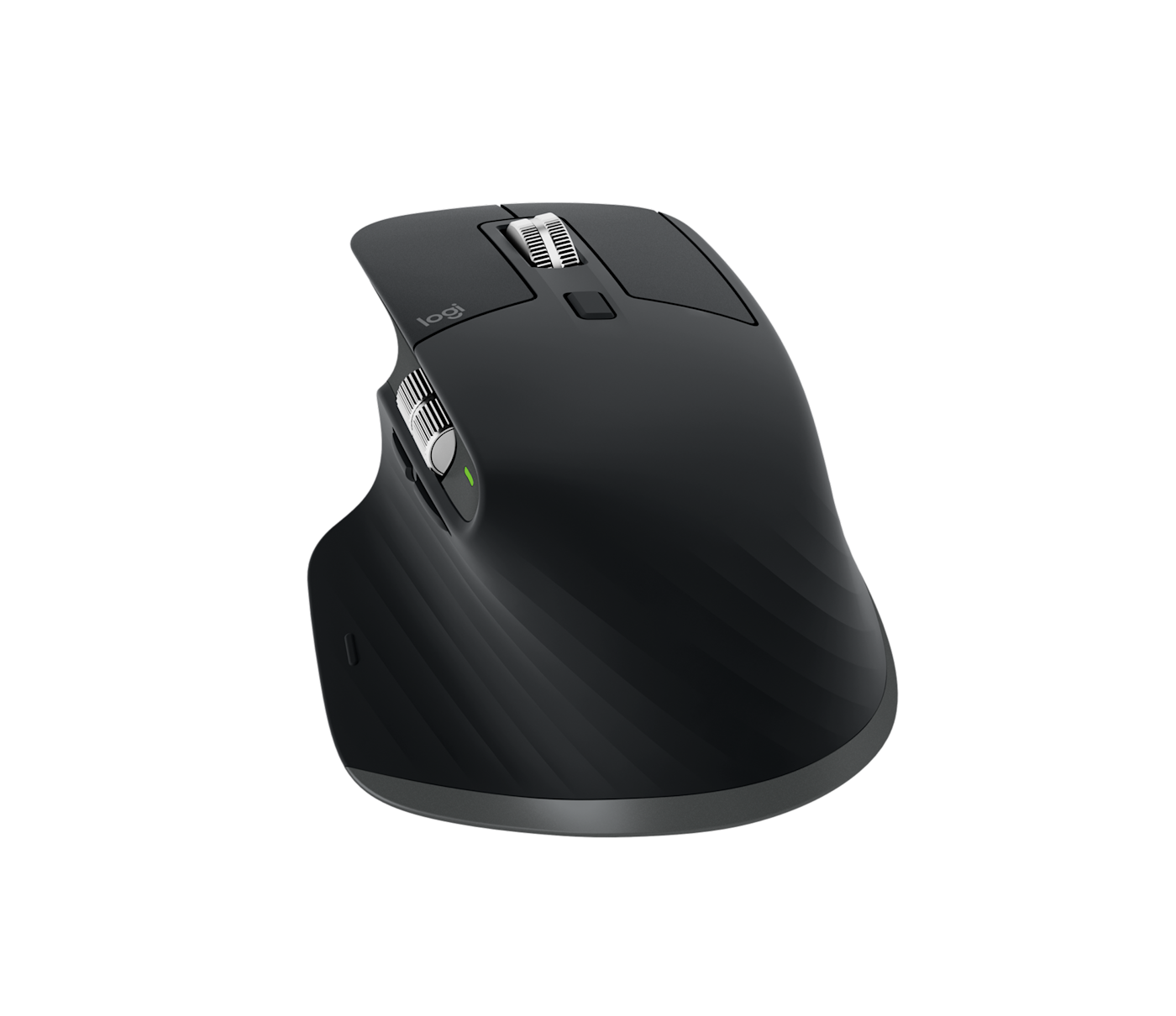
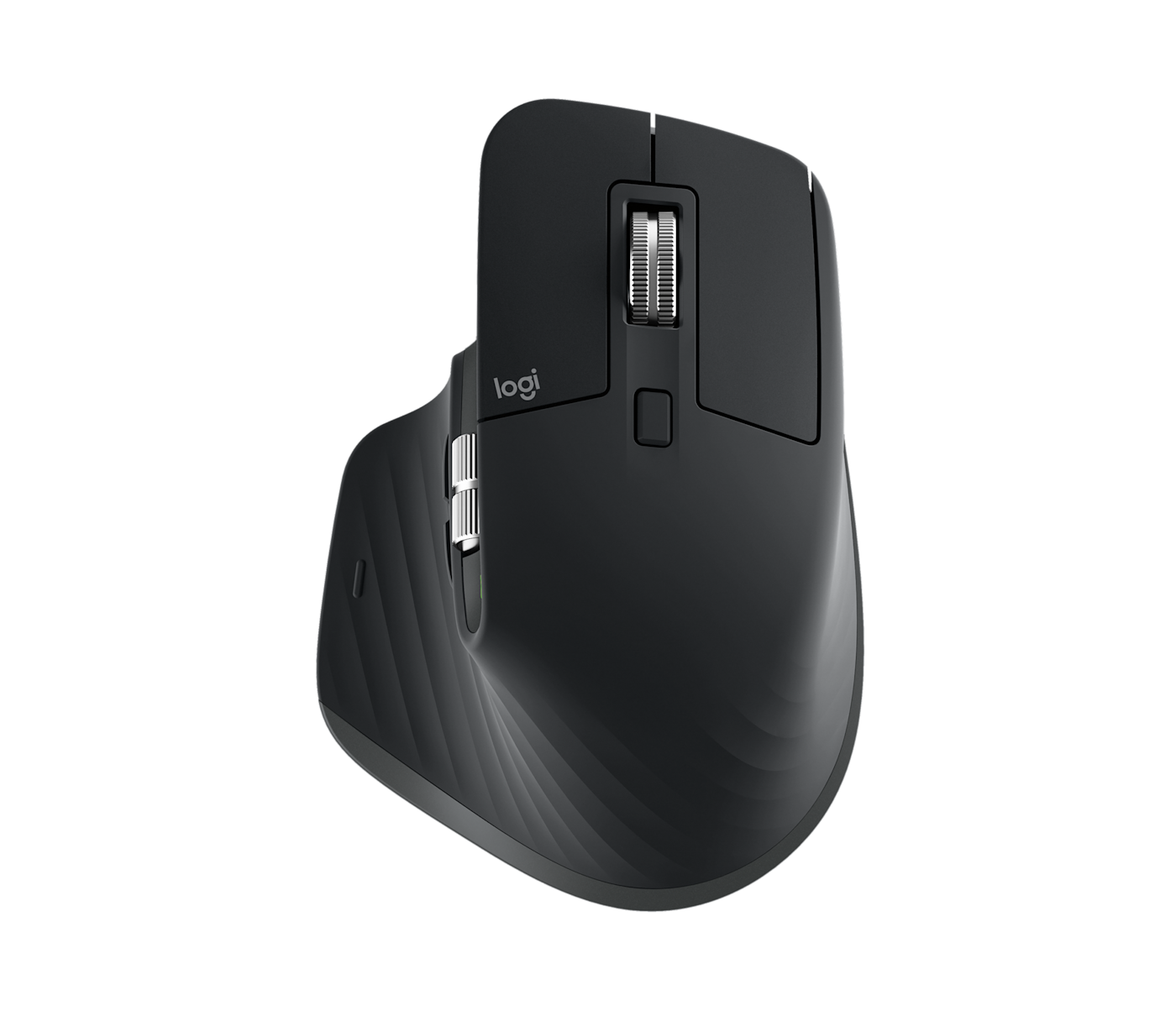
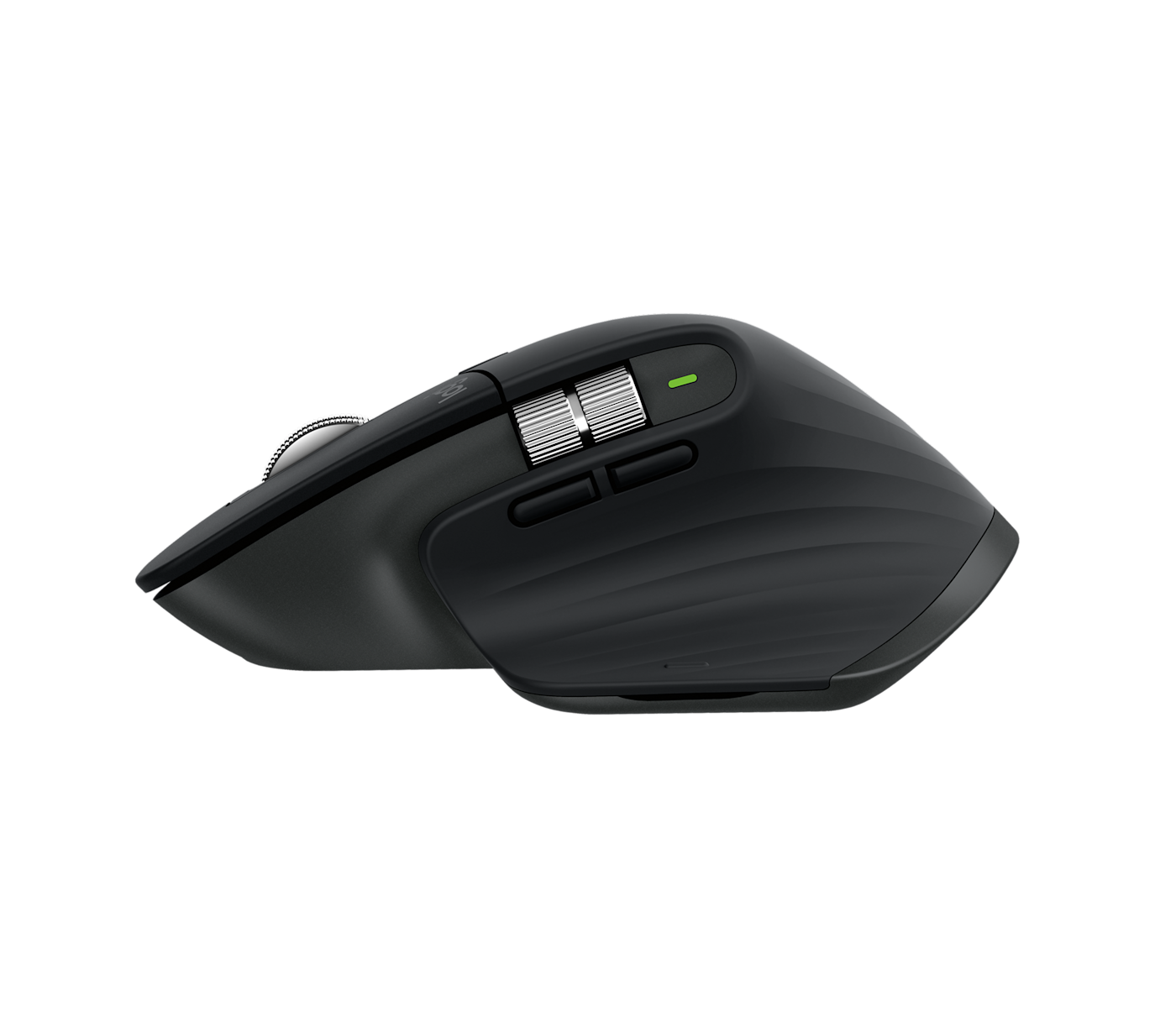
The official images show a pronounced right-hand-oriented shape and thumb rest. That makes fit especially important. Check the reach to the side controls, how your hand rests and whether the body feels natural at your desk height. A mouse that looks comfortable is not evidence that it will solve wrist discomfort. If you need a different grip or use your left hand, examine alternatives before buying into this particular design.
Controls should match repeated tasks
Logitech lists quiet clicks, MagSpeed scrolling and customization through Logi Options+. The practical opportunity is to map a few frequently repeated actions, rather than turning every button into a shortcut immediately. Think about navigating a long spreadsheet, switching tools or moving through a timeline. If the work computer blocks optional software, verify what remains available without it; an advertised software feature may not be usable in a managed office environment.
Read the edition on the box
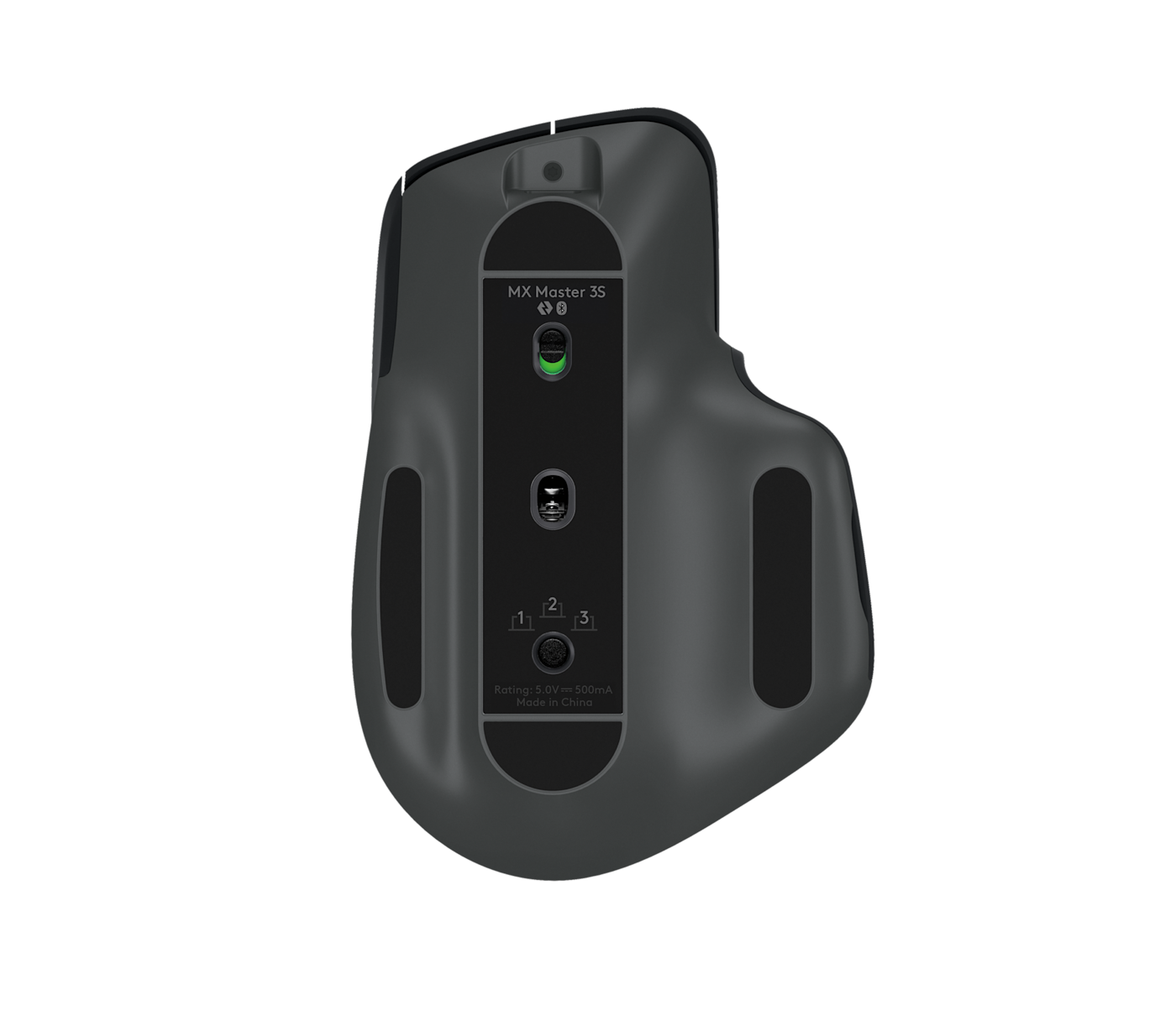
This article uses imagery and the listing for the Bluetooth Edition. Retail packages and connection options can differ across editions and regions. Confirm your computer’s connection support, what is included and whether your workplace permits pairing a new device. Do not assume that a receiver shown in an older review is included with the unit you are about to order. Matching the listing matters more than matching a familiar product name.
A desk tool, not an automatic upgrade
The published sensor ceiling is 8,000 DPI, but the largest number is rarely the deciding factor for ordinary office work. Cursor behavior, button placement and your preferred scrolling style deserve more attention. A simpler mouse can be the better choice for occasional use or frequent travel. We have not independently measured click noise, tracking precision or battery life, so those results should not be inferred from this analysis.
The strengths and trade-offs
Pros
- Several controls can support a shortcut-heavy workflow.
- Sculpted design and thumb rest suit a desk-focused shortlist.
- Published customization options are useful when software installation is allowed.
Cons
- The shape will not suit every hand or grip.
- Some benefits depend on optional software.
- Connection and box contents must be checked for the exact edition.
Who should buy it?
Consider it if you spend substantial time at a desktop, use your right hand and can make use of configurable controls. A smaller or ambidextrous mouse may be a better fit for shared workspaces and travel.
The JINLIM perspective
The conclusion
The MX Master 3S Bluetooth Edition is worth considering as a workflow tool. Its value comes from a comfortable fit and a few genuinely useful shortcuts, not from the sensor specification in isolation.
View official specificationsSources & image credits
Manufacturer information checked October 19, 2026. Prices, stock, compatibility and software support can change. Verify the exact model and your region before ordering.
All four product images on this page are credited in their captions. Full image provenance. No retailer commissions are configured in this launch edition.