The overview
A premium headphone purchase is easiest to evaluate when you begin with the way you listen. Do you mostly use a phone, plug into a computer or move between the two? The second-generation QuietComfort Ultra Headphones make that connection question especially relevant. This is a review of the published feature set and its buying implications, not an account of a listening test.
- Generation
- Second generation
- Form
- Over-ear, noise cancelling
- Wired feature
- USB-C audio
- Battery claim
- Up to 30 hours; 23 with Immersive Audio
What to consider
USB audio changes the comparison
Bose lists USB-C audio alongside wireless listening for this generation. That is worth checking if you want to use a compatible computer or mobile device without relying on a Bluetooth link. Before treating the port as a universal solution, verify your source device and software. A wired digital connection does not, by itself, prove that every recording will sound better or that every game will behave the same way.
Listening modes are a preference
The product offers noise-control and spatial listening options. More modes can be useful, but they also mean there are more settings to understand. Compare a familiar track with processing enabled and disabled at a comfortable level. The useful result is the setting you enjoy, not the one with the most elaborate name. We have not compared the soundstage or cancellation against Sony or other competitors and do not rank them on this page.
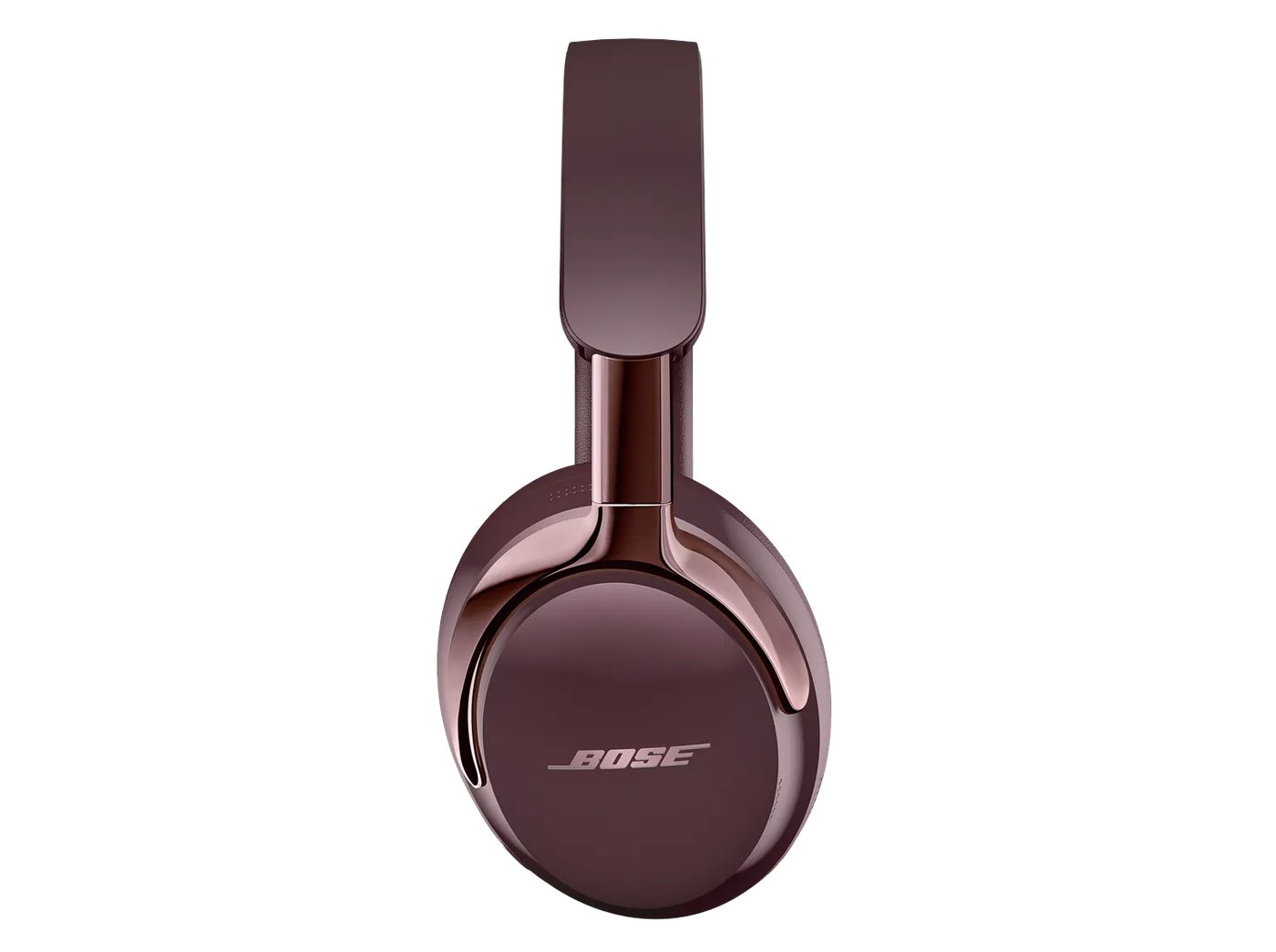
Battery life has a setting attached
Bose publishes up to 30 hours of playback, or 23 hours with Immersive Audio. That difference is a reminder to compare like-for-like settings when shopping. Those are manufacturer figures, not our measurements. For a long trip, consider charging opportunities, cable access and how you intend to listen. A rating that fits your use with room to spare is more useful than a single headline number.

A comfortable fit is still the deciding check
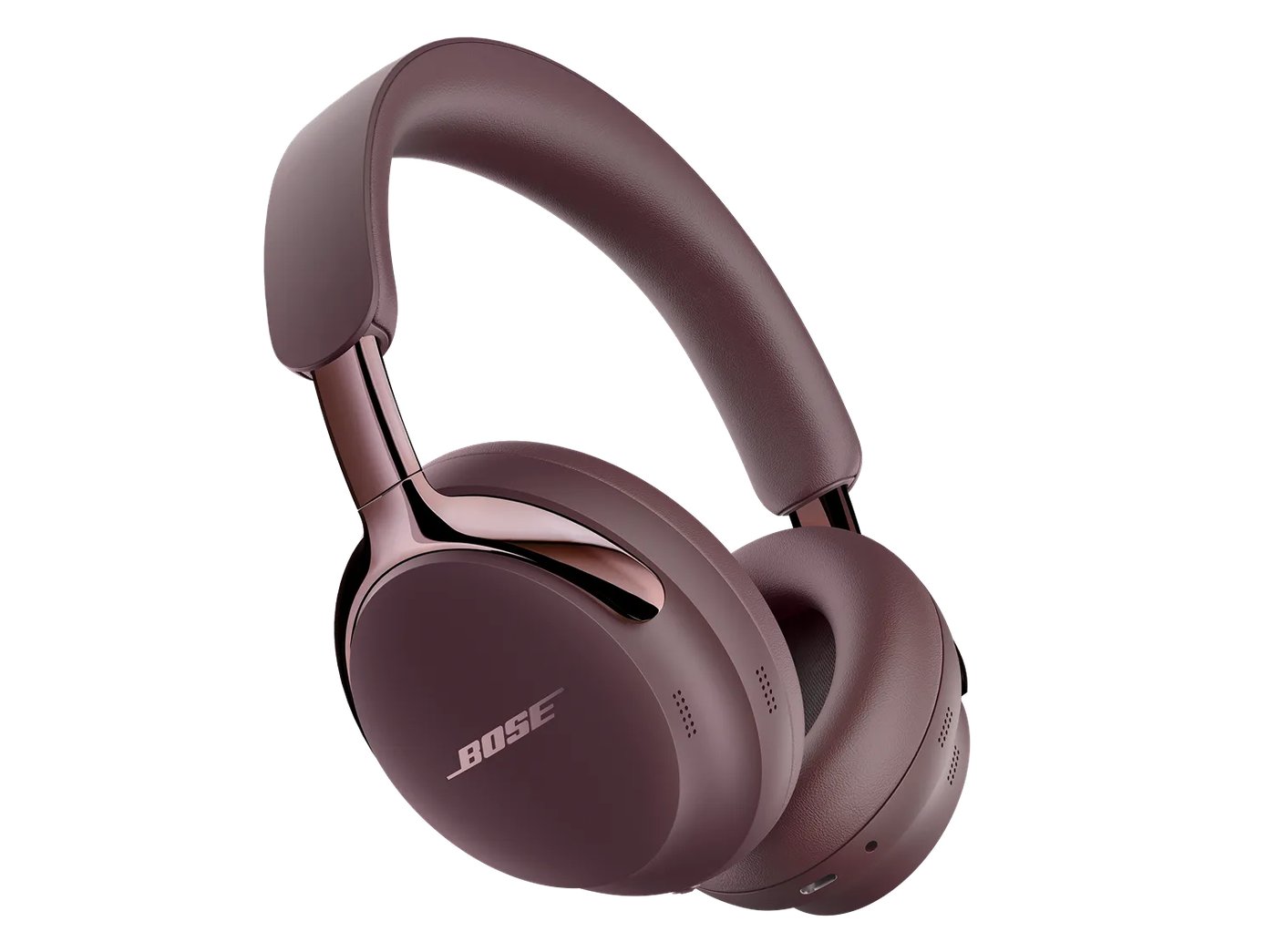
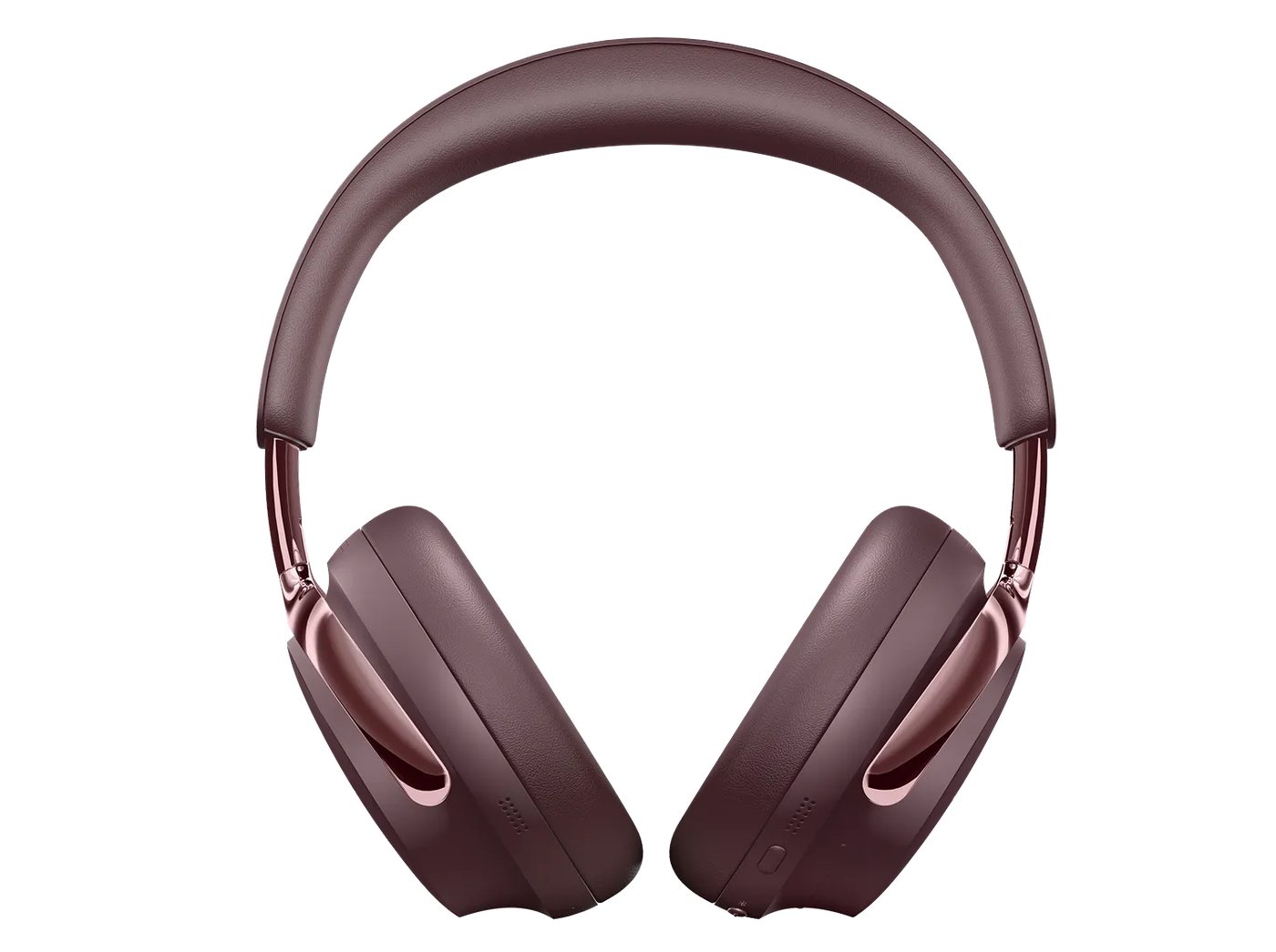
Product images can show the earcup shape and headband construction, but they cannot tell you how the headphones will feel after a full work session. Try them with the glasses, hairstyle or headwear you normally use. Inspect the controls and confirm the generation on the listing. The first and second generations should not be treated as interchangeable when comparing features or sale prices.
The strengths and trade-offs
Pros
- USB-C audio gives compatible devices an additional connection option.
- Published listening modes allow different approaches to playback.
- The manufacturer makes the battery-mode distinction explicit.
Cons
- Premium positioning makes price comparison worthwhile.
- Immersive Audio reduces the stated playback duration.
- Fit, microphone quality and sound are not independently verified here.
Who should buy it?
Consider the second-generation Ultra if you want both wireless use and a supported USB-audio workflow. If you only need occasional wireless listening, compare simpler alternatives before paying for features you may not use.
The JINLIM perspective
The conclusion
The second-generation Ultra has a clear feature-based reason to make a shortlist: connection flexibility. Let a fit check, your source devices and the current complete price determine whether that flexibility is worth buying.
View official specificationsSources & image credits
Manufacturer information checked October 19, 2026. Prices, stock, compatibility and software support can change. Verify the exact model and your region before ordering.
All four product images on this page are credited in their captions. Full image provenance. No retailer commissions are configured in this launch edition.